
How to Automate Hundreds of Twitter Accounts
Published on October 15, 2021
In 2019, I ran a fairly aggressive tweet campaign for an affiliate program. The various accounts I created posted between 1 and 1.5 million tweets over a 12-month period -- generating close to $85,000 in revenue to date. I'm sharing the method for automating Twitter accounts, even though it will need a few tweaks to work in 2021, as the platform has drastically overhauled its anti-bot measures.
The Proof of Concept
After proving the concept with 2-3 accounts in manual mode (testing schedules, tweet types, links, frequency...), I decided to scale the entire process. Here is a simple breakdown of how it works:
An RSS feed allows IFTTT to post a new tweet to a Twitter account.

What is IFTTT? It's a website that lets you automate certain processes by connecting web services, with an infinite range of possibilities: automatically post your latest article on Facebook, turn on your Philips Hue lights if Joe Biden posts a new photo on Instagram, and so on.
Until 2020-2021, IFTTT was 100% free. Today, free accounts are limited to 24 actions per day (24 tweets, more than enough for a single account). However, the cron trigger now fires every 45 minutes to 1 hour instead of every 5-15 minutes. There are many alternatives to IFTTT, including Zapier and Pabbly Connect.
Creating the Tweets
The foundation of everything is the tweets themselves. On my end, I developed my own RSS feed generator in PHP. At mydomain.com/rss/username there was a valid RSS feed that posted a new item every random 1-5 hours based on spintax. The RSS feed content was my tweet, which included the message and the affiliate link. I also appended 4 to 10 hashtags at the end of each tweet, drawn from a list I had previously compiled.
You can automate this part without being a developer. It won't be as precise, but it can get the job done initially. All you need is a WordPress site -- which natively generates an RSS feed. You just need to find a solution for generating WordPress posts in a pseudo-random fashion (WP-auto can do the trick). One WordPress installation, multiple categories, with each category assigned to a different Twitter account.
Mass Account Creation
Creating Twitter and IFTTT accounts is by far the most time-consuming part of this method. Expect at least 10-15 minutes per account to get everything set up, and Twitter frequently requires phone verification after a few tweets or a few hours. You have two options: do it yourself or outsource it.
1/ Do It Yourself
Prerequisites
To create accounts in bulk on your own, you'll need a few tools at your disposal:
- Proxies (preferably residential) that let you connect to Twitter with different IP addresses.
- A catch-all email address -- or bulk Gmail accounts.
- Profile photos (I recommend thispersondoesnotexist.com to avoid any copyright issues -- see example below).
- Pre-written profile descriptions (create them once, then reuse them every 30-40 accounts).
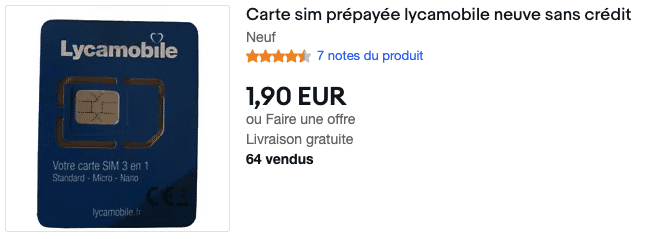
- Unique phone numbers. You can find them on eBay starting at around $2 per number.
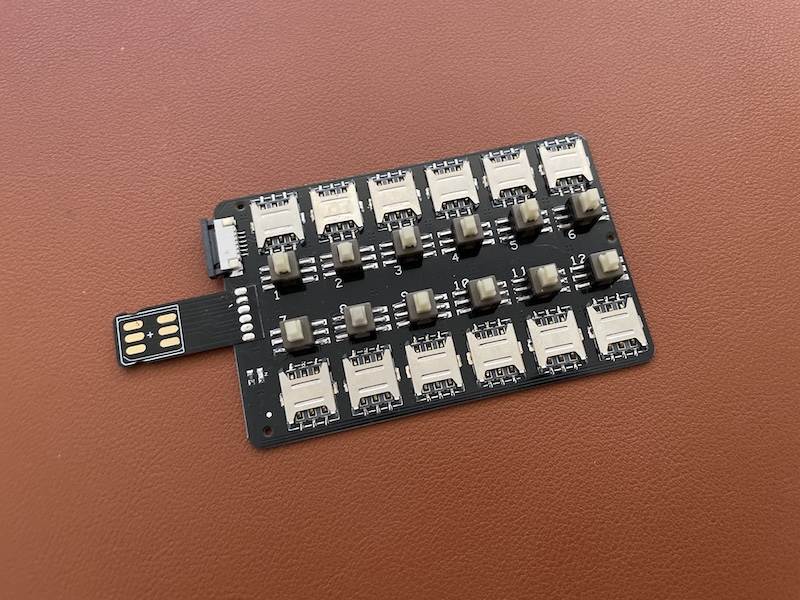
- Optionally, a multi-SIM adapter to quickly switch SIM cards on your phone.
Full Creation Process
- Create the Twitter account.
- Once the account is created, go to ifttt.com.
- Create a new account (you need 1 IFTTT account per Twitter account).
- Use the same email and password as the Twitter account to keep things simple.
- Go to the IFTTT settings page.
- Click on "Add a profile Service".
- Select "Twitter" and click "Update".
- Click on "Authorize App".
- Click on "Update".
- Scroll to the bottom, disable "Auto shorten URLs", and confirm by clicking "Update".
- Go to the IFTTT create page.
- Click on "+This".
- Select "RSS Feed" (the big orange button).
- Click on "New feed Item".
- Enter the RSS feed URL and click "Create Trigger".
- Click on "+That".
- Select "Twitter".
- Click on "Post a tweet" (the first tile).
- In the "Tweet Text" field, enter: {{EntryContent}} yourlink.com.
- Click "Create action".
- Click "Finish".
That's it! From now on, whenever a new item is added to your RSS feed, your Twitter account will post it automatically.
2/ Outsource It
The process is long, tedious, and incredibly dull. So I personally decided to outsource it. Here are the prerequisites:
- Find someone who speaks the same languages you do -- communication is key when outsourcing this kind of job.
- The person should be located in a country with affordable labor costs to keep your business profitable.
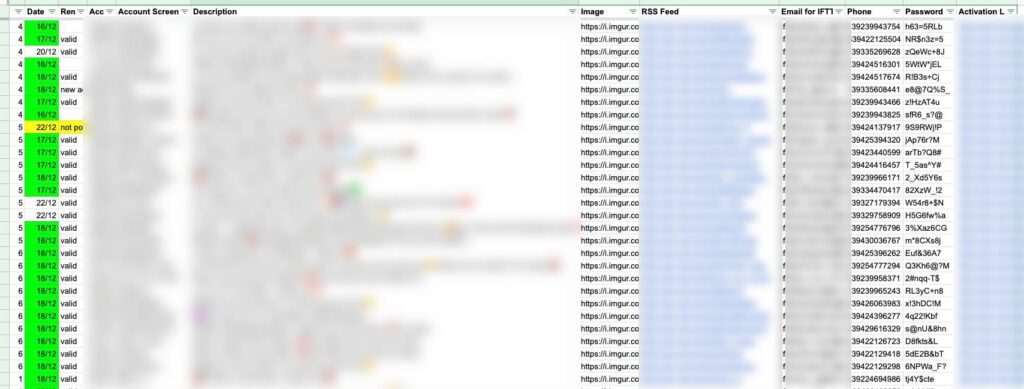
- Prepare a Google Sheet with ALL the necessary information: one tab with the profile details (emails, passwords, profile names, photos, descriptions), and another tab with general information including a step-by-step tutorial.
You can try platforms like Upwork to find the right person. The Philippines and Bangladesh have fairly low hourly rates and SIM cards that are easily available for just a few cents. In my experience, freelancers charged between $2.50 and $3.00 per account created and connected to IFTTT.
Going Further
I created around 2,700 Twitter accounts in total (though never more than 900 running concurrently). Management became extremely difficult, so I built my own custom dashboard to track the various accounts and the issues you inevitably run into (bans or shadowbans).
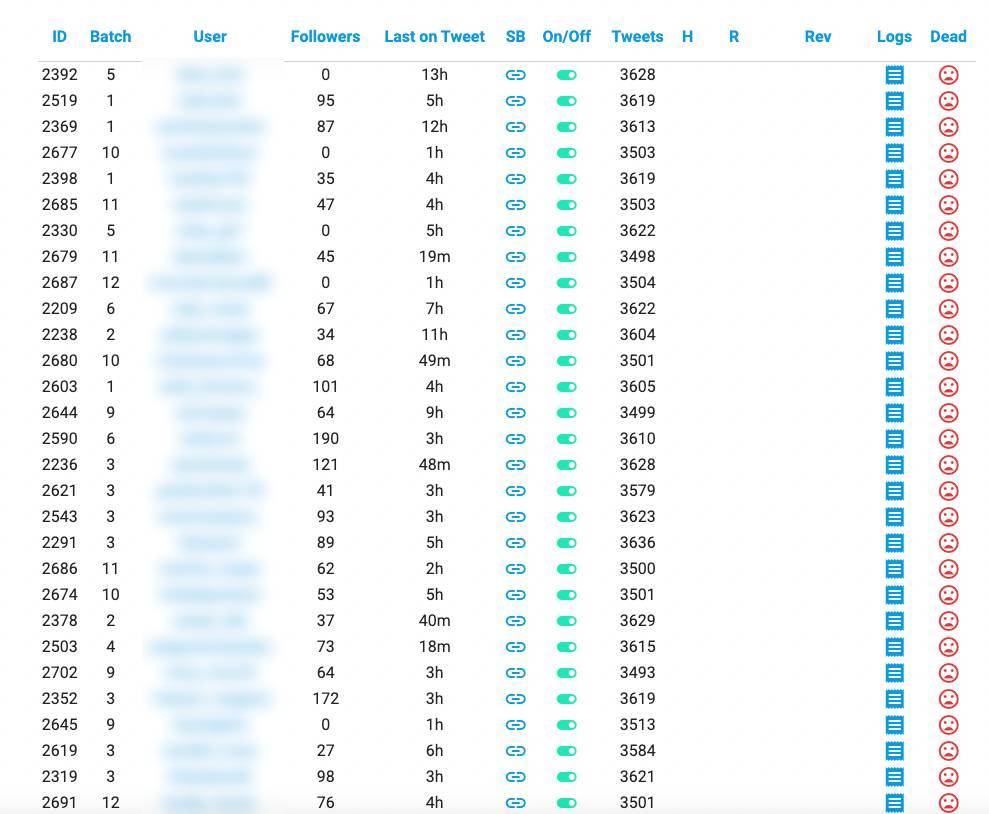
Back then (in 2019), the lifespan of a Twitter account could range from a few days to 6-8 months. Some accounts are still alive today. Here are a few tips to keep your accounts running as long as possible:
- Find the right tweeting rhythm. A brand-new account should only post once every 6-12 hours; an account that's been active for several weeks can post every 2-3 hours.
- Monitor your account's shadowban status by visiting the hashtag page in live mode while logged out.
- Find the right number of hashtags: too many with low engagement will get you shadowbanned. Too few and your tweets will never be seen.
- Be careful with the links in your tweets. Use an affiliate with a well-known site, or dozens of different new domains for each batch to avoid leaving footprints.
Questions? Leave a comment and I'll do my best to answer!